

How to create a Powershare account and connect to NEOS
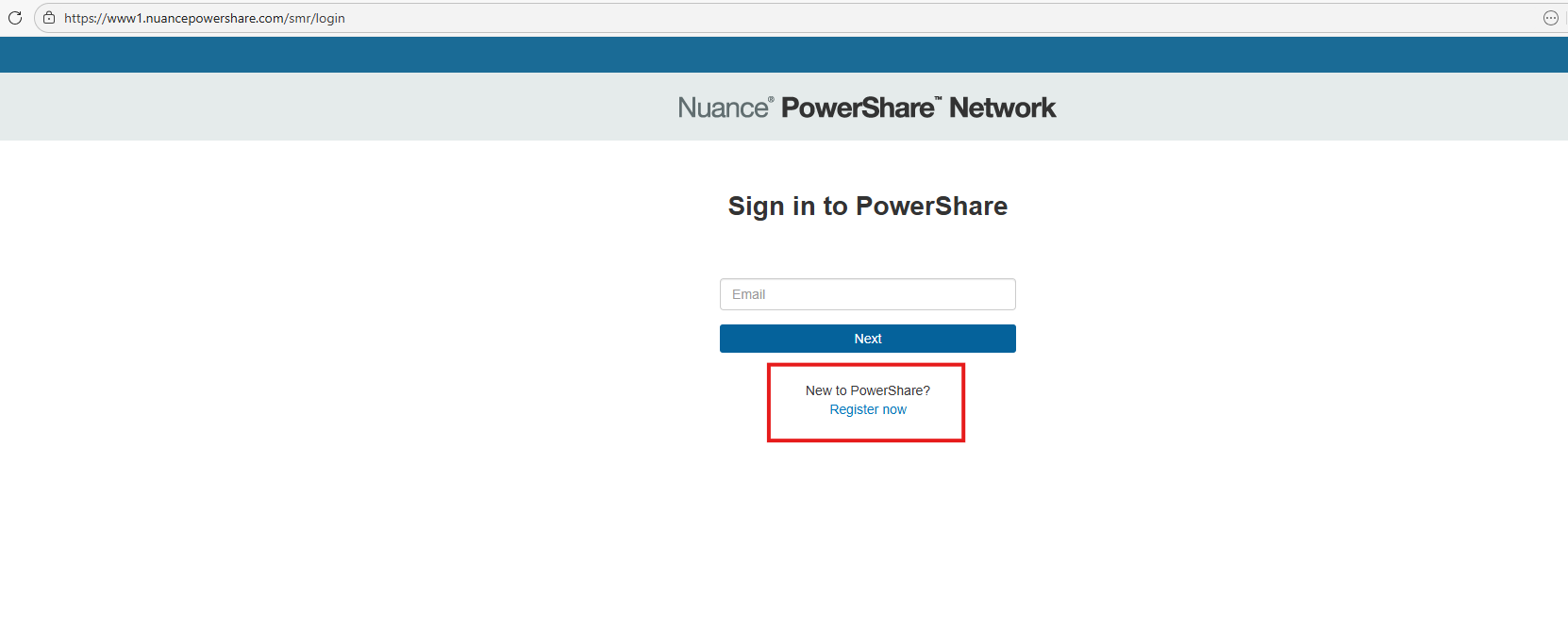
Go to Nuance Powershare site, and you will want to hit the register button located at the bottom.
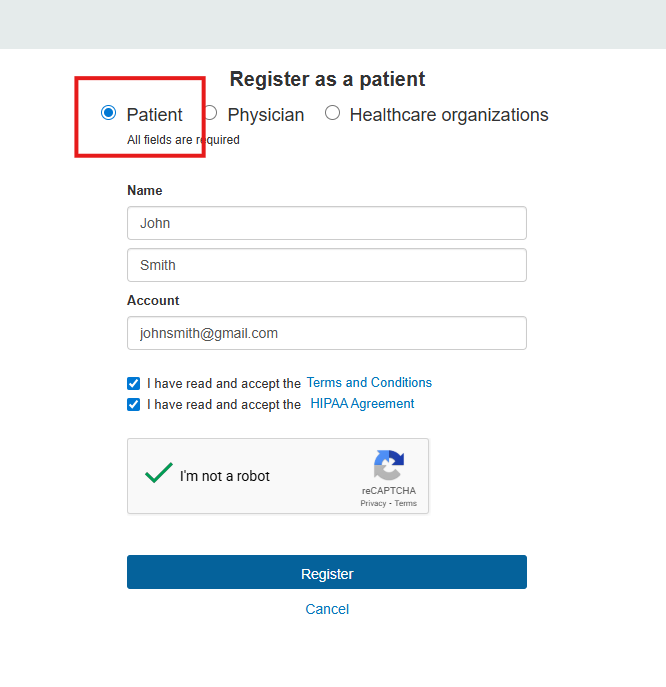
On the next page, fill out your personal information.
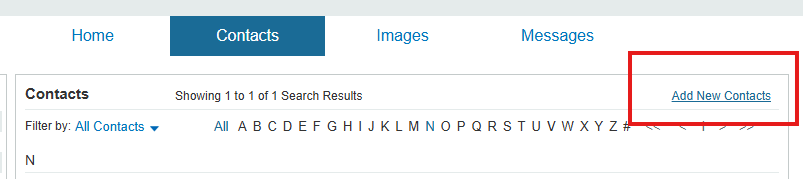
An email will be sent to you on instructions on registering to Powershare. It will prompt you to change your password and set up a two-step authentication. Once you have your account set up, you will need to connect to NEOS to share images. Go to the home screen and you will want to click on contacts, and “Add New Contacts”.
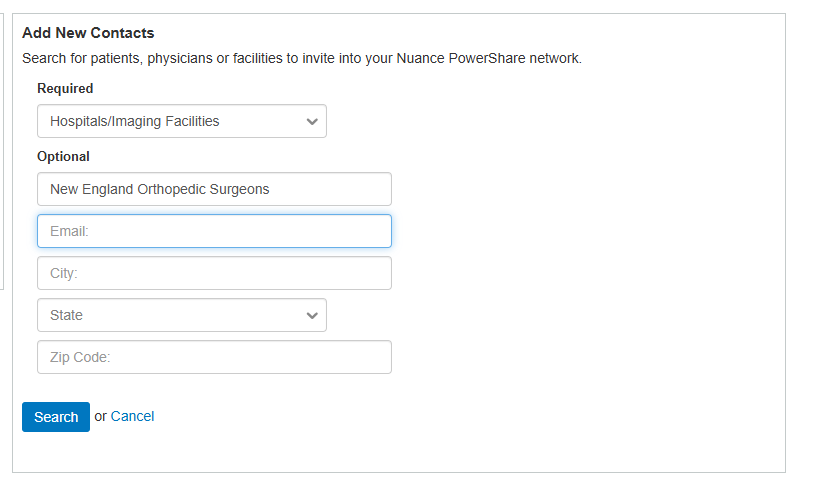
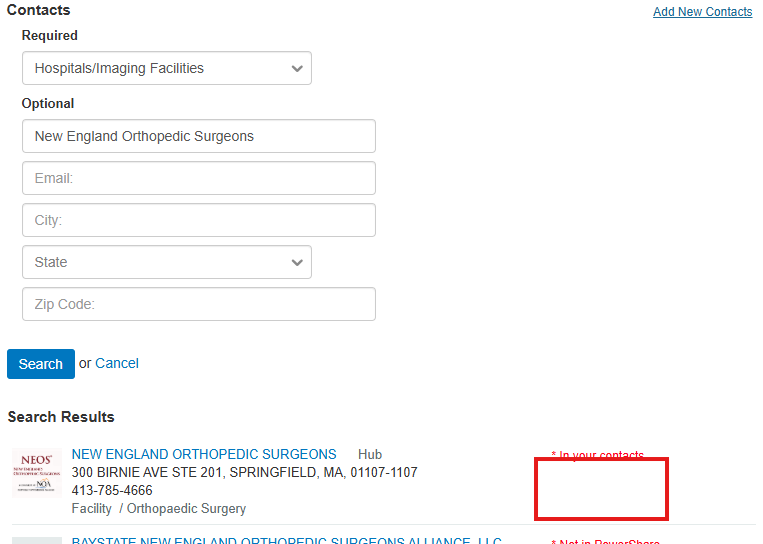
Next, you will have to find NEOS using the search filters.
NEOS should look like this, and there will be a box that says invite that is blue. Click on that box.
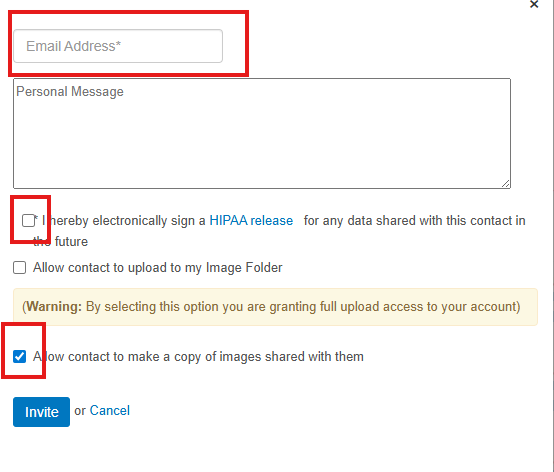
Once you click that it will ask you to enter your email address, and click the two boxes that are highlighted below and hit invite
Once completed, you can then request images using the request feature located on the home page.
If assistance is needed, please call .
